
Twitch VOD to Shorts Converter
Turn Stream Replays into Shorts
Turn your Twitch stream replays into short videos with intoshort. Paste a public Twitch VOD link. The converter selects moments from the recording and prepares editable shorts with captions. Review the highlights and export your picks.
Start with a free trial. No credit card required.
See how Twitch videos become shortsHow to turn a Twitch VOD into shorts
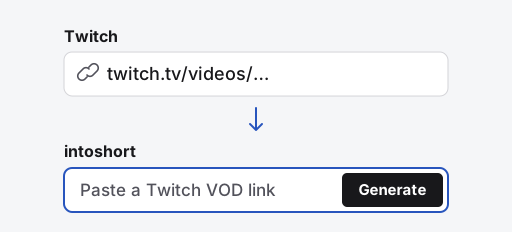
Copy and paste the replay link
Open the public Twitch replay and copy its URL from the address bar. Paste it above, then sign in or create an account if prompted.
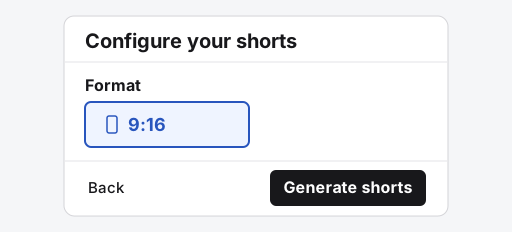
Configure and generate your shorts
Use Choose moments to tell intoshort what to look for. Select Continue to set captions and choose 9:16 for a vertical short, then select Generate.
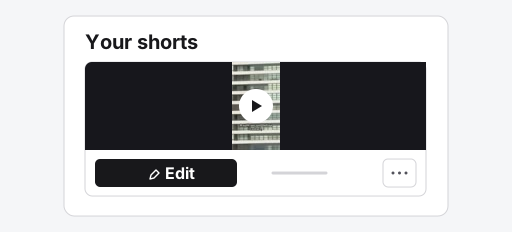
Preview and edit a short
Play a preview on Your shorts. Select Edit to trim the clip or change the captions, then select Save if you made changes.
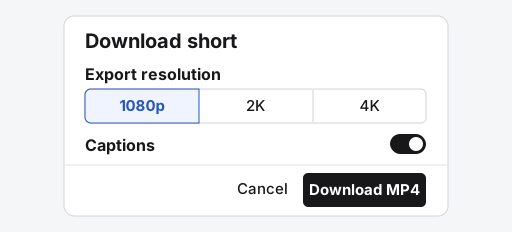
Download the MP4
Once rendering finishes, select Download in the editor. Choose the resolution and caption settings, then select Download MP4.
Automatic reframing
Review gameplay and facecam before export
This existing product demonstration shows vertical reframing. For your own VOD, check that the selected moment includes the setup and payoff, then check the crop, captions and game UI.Common questions
Can I process a long stream and come back later?
Processing runs in the background after the source is imported. For a local upload, keep the tab open until the transfer is confirmed. You can return to the video page to review progress and completed shorts. Longer or higher-resolution replays take more time; there is no fixed completion-time promise.
What if the replay has expired or will not import?
The VOD must remain publicly available during import. Check the replay URL and its availability on Twitch. If the replay is gone or restricted, upload your own recording instead. intoshort cannot recover an expired Twitch VOD.
Can I keep both gameplay and facecam in the short?
A detected webcam overlay can be placed above the gameplay in a vertical layout. Detection can miss or misidentify overlays, so review the framing and adjust it in the editor. Captions and important game UI also need a final check.
Which Twitch video links can I convert to shorts?
Use a public replay link like https://www.twitch.tv/videos/123456789. The replay must remain available while intoshort imports it. Live streams and Twitch Clips are not supported.
Can I convert Twitch VODs to shorts for free?
The free trial covers up to three source videos and all shorts they generate. Free projects expire after three days. File size and processing limits apply.
Will intoshort clip the whole stream?
By default, intoshort selects highlights based on your instructions. Choose Split entire video into parts if you want an ordered series covering the whole replay, including quieter sections. Review the result before publishing.
Can it find gameplay moments with no dialogue?
Visual sampling can find some moments without dialogue. Brief, silent plays are easier to miss.
Does the VOD need to be mine?
You can use someone else's VOD if you have permission to download, edit and republish it.