
YouTube to Shorts Converter
Create clips from a public video
Paste a public YouTube video link to create vertical shorts with captions. Review the selected moments, correct the words and framing, then download the clips you want to publish.
Start with a free trial. No credit card required.
See how YouTube videos become shortsHow to turn a YouTube video into Shorts
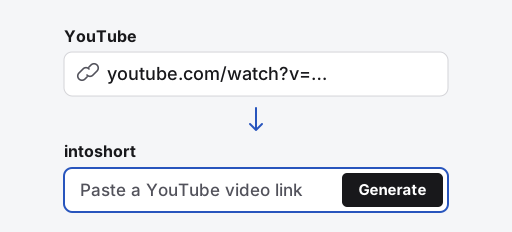
Copy and paste the video link
Open a public YouTube video, copy its address, and paste it in the field above. Sign in or create an account if prompted.
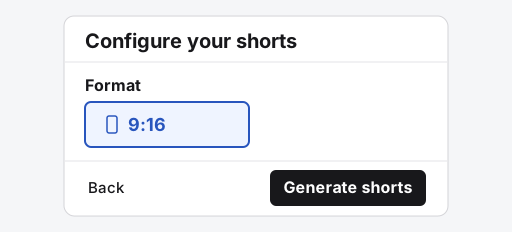
Choose your settings and generate
Use Choose moments to pick what to keep. Select Continue through Captions, choose 9:16 in Output, then select Generate.
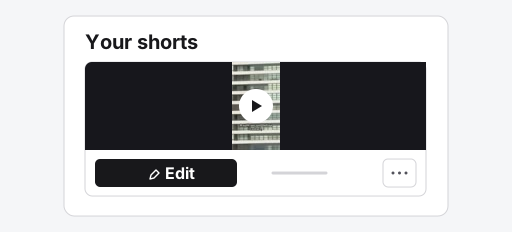
Preview and edit a short
When the clips are ready, play them on Your shorts. Select Edit to adjust the cut or captions, then select Save.
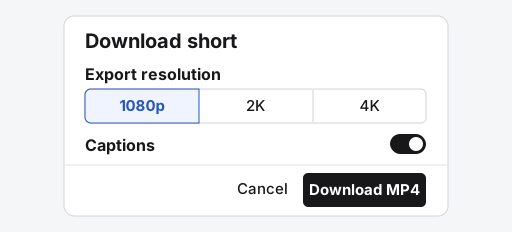
Download the MP4
Once rendering finishes, select the download icon in the editor. Choose the resolution and captions, then select Download MP4.
One source, two different shorts
This prepared demonstration uses a wildlife recording. One short focuses on a pelican diving; the other explains its flight. Each keeps a single topic instead of compressing the entire recording into one clip.
The source
Video credits
Footage by TerraNaturalist, Plunge-diving, licensed under CC BY 3.0. These clips were trimmed, reframed and captioned for the demonstration; they are not a benchmark of automatic selection.
The shorts
Common questions
Why will my YouTube link not import?
Check that it opens a single public video, not a playlist or channel. Age restrictions, regional blocks or a download refusal can still prevent import. If you own the original file, upload it instead. A public watch page does not guarantee download access.
What files and formats will I get?
Choose 9:16 for vertical shorts, review the crop and download MP4 files. You can also export in 16:9. Free exports are up to 1080p without an intoshort watermark; free projects expire three days after creation.
Can I convert YouTube videos to shorts for free?
The free trial covers up to three source videos and all the shorts they generate. Download your clips before the project expires after three days.
Can I paste any YouTube URL?
Use a direct link to a public YouTube video or Short. Playlists, private videos, and some restricted videos cannot be imported.
Does intoshort post the clips automatically?
No. Generation creates drafts for review. Download an MP4 and publish it yourself. Direct YouTube publishing is still being validated; it is not required to use the converter.